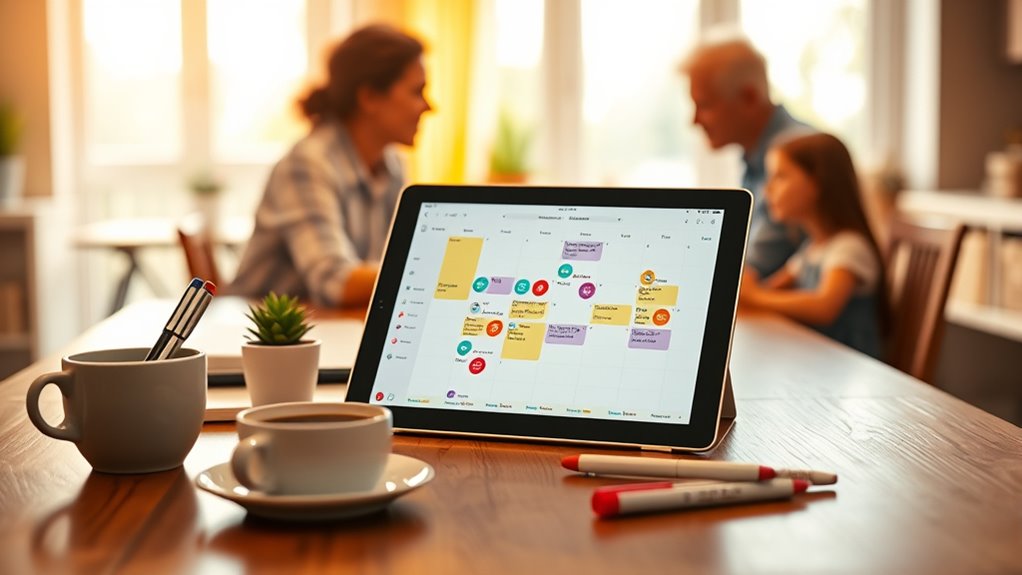

To stay organized, consider family calendar apps that act as a central hub for scheduling, sharing, and tracking everyone’s activities. These apps feature user-friendly designs with clear icons, color coding, and customizable views for quick event input and reminders. They also support sharing calendars across devices and offer permissions to manage access. Using such tools streamlines communication and reduces scheduling conflicts. Keep exploring to discover the best options tailored to your family’s needs.

Turn the school run and nap time into listening time
- Thousands of audiobooks, podcasts and originals
- Listen on your phone, tablet or Echo — also offline
- Cancel anytime
Key Takeaways
- Centralized platform for family scheduling with real-time updates reduces confusion and double bookings.
- Easy sharing and permission controls enable seamless collaboration across devices.
- User-friendly interface with customizable views and quick-entry features streamline event management.
- Notifications and reminders help prevent forgetfulness and ensure timely participation.
- Additional features like legal and financial planning support enhance overall family organization.

Managing a busy family schedule can be challenging, but family calendar apps make it easier to stay organized. These apps act as a central hub where everyone can see upcoming events, appointments, and important deadlines. One of the key features that makes these apps so effective is their sharing capabilities. With sharing features, you can easily give access to family members, whether they’re on the same device or using their own smartphones. This means everyone stays in the loop without the need for endless texts or phone calls. When you update the calendar, changes are instantly visible to all members, reducing confusion and double bookings. Sharing options often include permissions, so you can control who can add or modify entries, ensuring the calendar remains accurate and clutter-free. This collaborative approach helps foster responsibility and keeps everyone accountable for their commitments.
Another important aspect is the user interface. A family calendar app with an intuitive, user-friendly interface makes managing schedules less of a chore. When the interface is clean and easy to navigate, you and your family members spend less time figuring out how to add or find events. Clear icons, color-coded entries, and straightforward menus speed up the process, encouraging consistent use. Many apps offer customizable views—daily, weekly, or monthly—so you can see your schedule from different perspectives, depending on your needs. The best user interfaces also include quick-entry features, allowing you to add events with just a few taps. Notifications and reminders integrated into the interface ensure you won’t forget important activities, whether it’s a school play or a doctor’s appointment. A well-designed user interface minimizes frustration, making it more likely that everyone in the family will use the app regularly.
Additionally, choosing an app with alimony laws features can help you plan and coordinate family activities while considering legal and financial aspects, such as divorce or separation.
family calendar app for iOS and Android
As an affiliate, we earn on qualifying purchases.
As an affiliate, we earn on qualifying purchases.
Frequently Asked Questions
Are Family Calendar Apps Compatible With All Devices?
Most family calendar apps are compatible with various devices, but you should check their device compatibility before downloading. Many apps support iOS, Android, and web browsers, ensuring you can access your schedule from smartphones, tablets, or computers. Plus, app synchronization keeps all your devices updated in real-time, so everyone stays on the same page. Just verify compatibility and sync features to make sure the app fits your family’s tech setup.
Can Multiple Users Edit Events Simultaneously?
Did you know that over 60% of families use calendar apps for real-time collaboration? Yes, multiple users can edit events simultaneously in many family calendar apps. This feature allows everyone to stay updated without delays, making planning more efficient. You’ll find that simultaneous editing guarantees your family’s schedule remains accurate and synchronized, even when everyone adds or modifies events at the same time. It’s a game-changer for busy households!
How Secure Is My Family’s Data in These Apps?
Your family’s data in these apps is generally secure thanks to data encryption, which safeguards your information during transmission and storage. However, you should always review privacy policies carefully, as they outline how your data is collected, used, and shared. Choose reputable apps with strong security measures and transparent privacy practices to ensure your family’s information remains protected and private.
Do These Apps Support Integration With Other Tools?
Yes, these apps support integration with other tools through third-party integrations and app synchronization. You can connect them with popular platforms like Google Calendar, Apple Calendar, and task management apps such as Todoist or Trello. This seamless synchronization guarantees your family’s schedule stays up-to-date across all devices and apps, making planning easier and more efficient. Just check the app’s settings to enable the integrations you need for a smoother experience.
Is There a Free Version With Essential Features?
Imagine juggling family schedules effortlessly—that’s possible with a free version offering essential features. For example, you can try Cozi’s free plan, which includes shared calendars, reminders, and to-do lists. While it may lack some premium tools, it’s perfect for staying organized without spending money. You’ll find these free options give you the core functions needed to manage appointments, events, and family tasks effectively.
Conclusion
Staying organized as a family becomes easier with the right calendar app. These tools help everyone stay on the same page, reducing chaos and missed appointments. Remember, “A stitch in time saves nine”—taking a moment to coordinate now prevents bigger headaches later. Embrace technology to foster smoother days and stronger connections. With a family calendar app, you’ll find that managing busy schedules becomes less overwhelming and more manageable for everyone.
Cold & flu season Picks
humidifiers
As an affiliate, we earn on qualifying purchases.