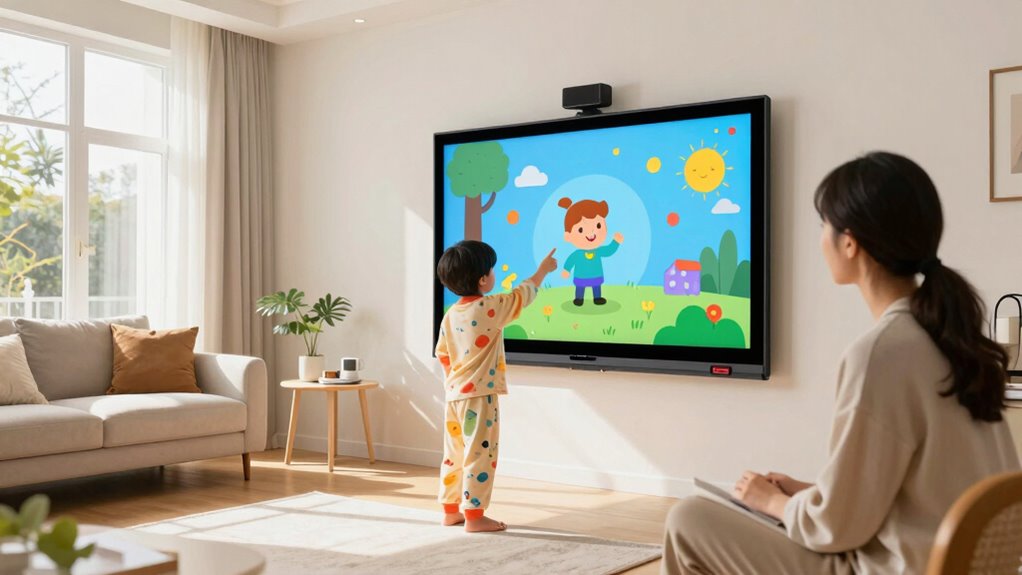

Interactive whiteboards at home are great for boosting family learning, creativity, and collaboration. They let you write, draw, and interact with multimedia content, making lessons and activities more engaging. You can use them for brainstorming, artistic projects, or even playing educational games. With proper setup and personalization, they become versatile tools for routines, homework, or fun family projects. Keep exploring how to maximize their features, and you’ll discover even more ways to make them essential at home.

Turn the school run and nap time into listening time
- Thousands of audiobooks, podcasts and originals
- Listen on your phone, tablet or Echo — also offline
- Cancel anytime
Key Takeaways
- Facilitating engaging, visual learning and multimedia presentations for children and adults alike.
- Supporting collaborative family activities like brainstorming, planning, and creative projects.
- Enhancing remote learning experiences with real-time interaction and shared content.
- Encouraging artistic expression through drawing, doodling, and colorful designs.
- Serving as an interactive hub for educational games, quizzes, and hands-on activities.
interactive whiteboard for home use
As an affiliate, we earn on qualifying purchases.
As an affiliate, we earn on qualifying purchases.
What Is an Interactive Whiteboard and Why Use It at Home?

An interactive whiteboard is a digital display that combines the functionality of a traditional whiteboard with modern technology, allowing you to write, draw, and interact with content directly on the screen. It enhances digital collaboration by making it easy for family members to share ideas, brainstorm, or solve problems together in real-time. This tool also supports visual learning, helping children and adults grasp concepts through engaging visuals, diagrams, and multimedia. Additionally, the contrast ratio of the display impacts the clarity and vibrancy of visuals, making content more engaging. With an interactive whiteboard, you can seamlessly switch between lessons, games, and creative activities, making learning more dynamic and enjoyable. It encourages active participation and keeps everyone involved, fostering a collaborative environment at home. Furthermore, the user interface of these devices is typically designed to be intuitive, allowing even beginners to navigate features easily. Modern touch technology further simplifies interaction and enhances the overall experience. Overall, it’s a versatile device that enriches your family’s educational and creative experiences, especially as digital content formats continue to evolve and expand.
How to Set Up and Personalize Your Whiteboard for Family Use
Choosing the right spot for your whiteboard makes it easy for everyone to access and use. You’ll want to adjust display settings to suit different tasks and preferences. Finally, creating user profiles helps personalize the experience for each family member and keeps things organized. Additionally, understanding whiteboard features can enhance your overall experience and functionality. For example, exploring interactive capabilities can make collaborative activities more engaging and productive. Being aware of ventilation tips can also help maintain a comfortable environment during extended use. Incorporating artistic design elements can further boost creativity and make your space more inviting. Moreover, considering safety features similar to protective gear ensures a secure and injury-free environment during extended use.
Choosing the Right Location
Finding the perfect spot for your whiteboard guarantees it’s both functional and inviting for your family. Focus on wall placement that’s easily accessible and visible from common areas, so everyone can participate. Avoid placing it in high-traffic zones that might lead to distractions or accidental bumps. Consider furniture compatibility when choosing the location; ensure nearby desks or tables don’t block the view or hinder use. A wall at eye level makes writing and viewing comfortable for all ages. Natural light can enhance visibility, but avoid direct sunlight that causes glare. Keep the whiteboard away from heat sources or humid areas to prevent damage. Environmental hazards such as moisture or extreme temperatures can compromise its longevity. Incorporating proper placement and environmental awareness can help maintain its functionality and safety. Additionally, ensuring the whiteboard’s visual accessibility helps all family members engage effectively. With thoughtful wall placement and furniture considerations, your whiteboard becomes an inviting, practical addition to your home. Incorporating safety considerations from your environment can help prevent accidents and ensure the whiteboard remains a safe feature for all family members. Being aware of cable failures and proper installation techniques can further protect your investment and maintain a safe environment.
Personalizing Display Settings
Once you’ve selected the ideal spot for your whiteboard, setting up and personalizing its display settings helps make it more user-friendly for your family. Digital customization allows you to adjust brightness, contrast, and screen orientation to suit your environment and preferences. Use the whiteboard’s menu to select a comfortable display mode, whether you prefer a brighter screen for daylight or a softer tone for evening use. Display personalization also involves choosing background colors or themes that reduce eye strain and make notes easier to read. Customizing these settings ensures everyone can interact with the whiteboard comfortably and efficiently. Taking the time to fine-tune the display creates a more engaging, user-centric experience that encourages regular use and collaboration at home. Additionally, effective personal finance planning emphasizes the importance of setting goals and adjusting strategies to meet changing needs, which can inspire family members to stay motivated and organized. Incorporating DIY safety tips when setting up or modifying your whiteboard area can help prevent accidents and ensure a safe environment for all users. To optimize the whiteboard’s performance, consider vacuum maintenance practices to keep your device clean and functioning smoothly. Proper maintenance of electronic devices also involves understanding flywheel and engine upgrades, which can improve overall performance and longevity. Regularly updating your device’s firmware and keeping the area clear of dust can also contribute to device longevity and reliable operation.
Creating User Profiles
Creating user profiles on your whiteboard allows each family member to have a personalized experience tailored to their needs and preferences. By setting up profiles, you can streamline digital organization and ensure everyone accesses the tools they use most. To do this effectively, assign profiles based on age, interests, or routines. Use the table below to plan profile elements:
| Family Member | Profile Preferences |
|---|---|
| Child | Educational apps, creative tools, safety restrictions |
| Teen | Social media, homework planner, music playlists |
| Parent | Calendar, task lists, family notes |
| Senior | Large fonts, simplified interface, health info |
This approach maximizes your family’s tech efficiency, keeping everyone engaged and organized. Additionally, considering the design innovation behind interactive whiteboards can help you choose features that enhance usability for all ages. Incorporating user customization options further ensures that each profile offers a tailored experience suited to individual needs. Understanding the architecture details of your device can also help in optimizing setup and security features, especially when considering the security features that protect user data and privacy. Moreover, being aware of electric power options can assist in choosing energy-efficient settings and accessories to enhance your whiteboard setup.
Creative Ways to Use Your Whiteboard for Learning and Fun
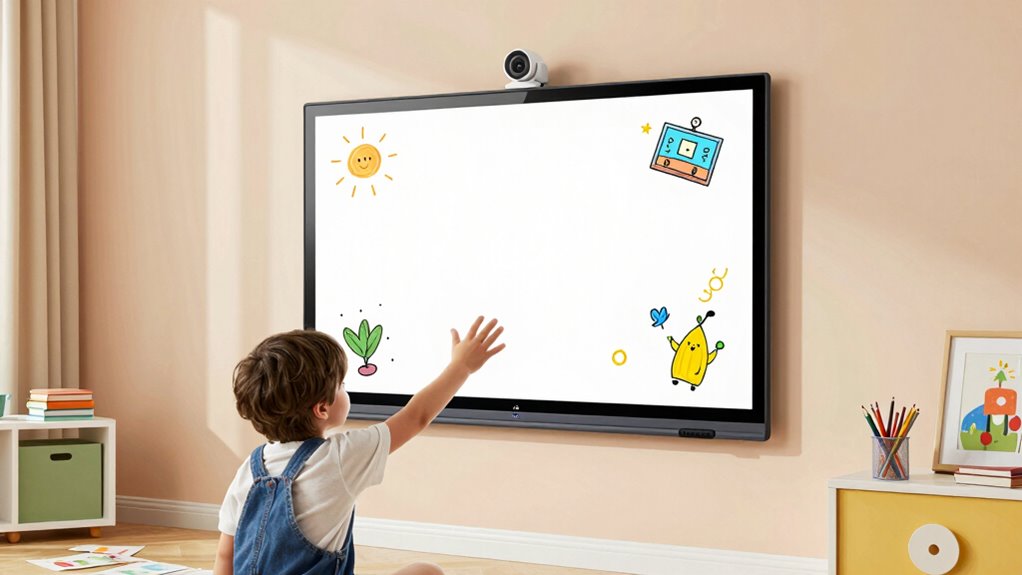
Your whiteboard isn’t just for schoolwork; it’s a versatile tool that sparks creativity and makes learning fun. Use it for creative brainstorming sessions, where you jot down ideas, mind maps, or project plans. This encourages free thinking and visual organization. You can also explore artistic expression by drawing, doodling, or creating colorful charts and stories. It’s perfect for kids to practice their art skills or for adults to sketch out designs and concepts. Turn it into a game by playing educational Pictionary or word association challenges. The whiteboard invites spontaneous creativity, helping you break out of routines and engage your mind actively. Incorporating visual storytelling can also enhance your projects, allowing for more detailed and personalized designs. Whether for learning or just having fun, it transforms ordinary spaces into dynamic hubs of imagination and discovery.
Organize Your Day: Using Whiteboards for Routines and Tasks
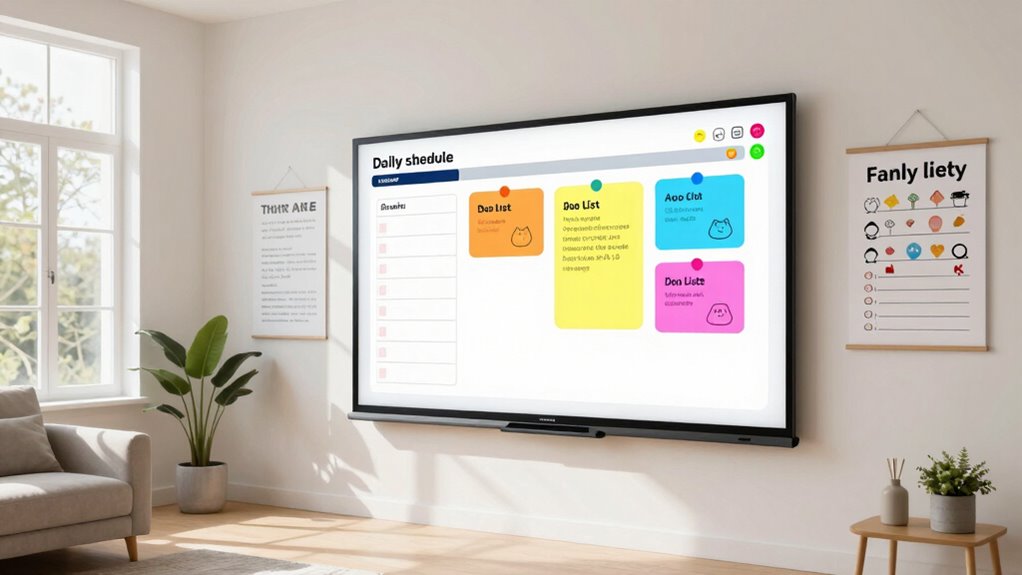
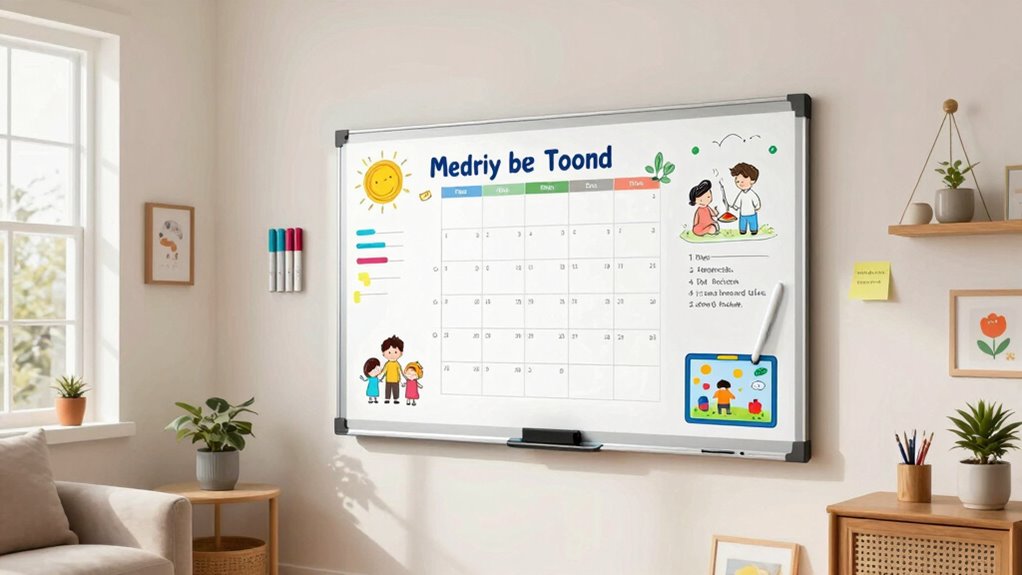
A whiteboard is an excellent tool for keeping your daily routines organized and ensuring tasks get done efficiently. With digital planning and family organization in mind, you can create a visual schedule that everyone can follow. Use the whiteboard to map out responsibilities, appointments, and chores, making it clear what needs to be done each day. Here’s a simple example:
| Morning Tasks | Evening Tasks |
|---|---|
| Breakfast & Prep | Homework Review |
| School Drop-off | Family Time |
| Workout | Bedtime Routine |
| Grocery List | Prepare Tomorrow |
| Chores | Relax & Unwind |
This approach helps you stay on top of routines, reduces stress, and keeps the whole family aligned. Incorporating a visual scheduling method can further enhance clarity and engagement for everyone involved.
Maintaining Your Home Whiteboard: Tips for Cleaning and Upkeep

To keep your home whiteboard functioning effectively, regular cleaning and maintenance are essential. Whiteboard maintenance involves more than just erasing; it requires consistent cleaning to prevent ghosting and ink buildup. Establish a cleaning schedule, such as wiping the surface weekly with a microfiber cloth and a gentle whiteboard cleaner or a mixture of water and vinegar. For stubborn stains, use a whiteboard eraser or rubbing alcohol carefully. Avoid abrasive cleaners that can damage the surface. Also, check the mounting hardware periodically to ensure the whiteboard stays secure. Proper upkeep extends the life of your whiteboard and keeps it looking new. By sticking to a routine, you’ll ensure it remains a reliable tool for your home learning and organization needs.
Whiteboards vs. Other Learning Tools: Which Is Best for Your Family?
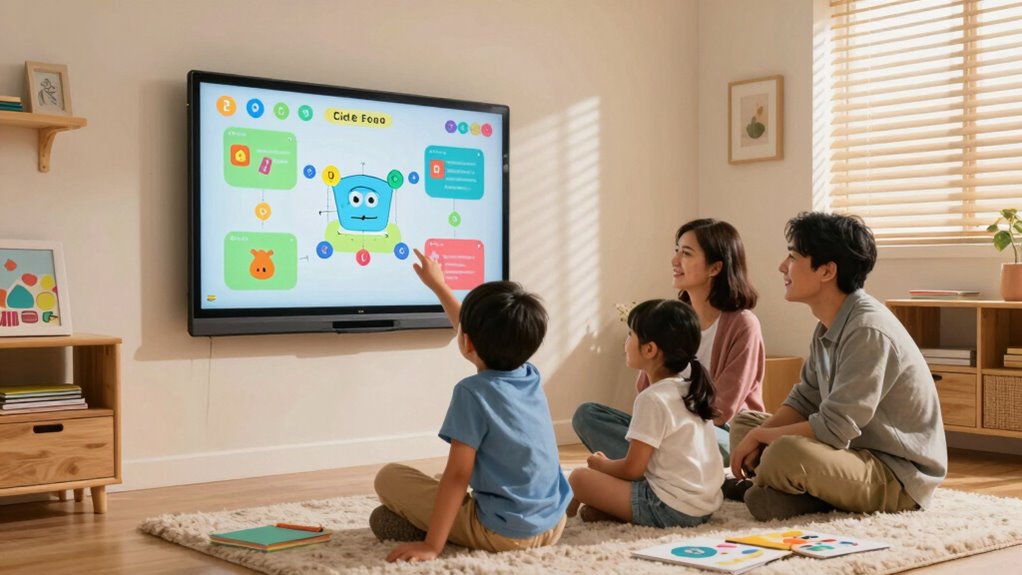
Choosing the right learning tool for your family depends on your educational goals and daily routines. Whiteboards excel at fostering interactive, hands-on activities, but other tools may better suit your needs. Consider these options:
- Digital collaboration platforms enhance remote learning by allowing real-time interaction and sharing, ideal for group projects or virtual lessons.
- Tablets and laptops support multimedia learning, offering access to educational apps and online resources.
- Printable worksheets and workbooks provide structured practice without screen time, perfect for reinforcement.
Assess whether your focus is on fostering collaboration, encouraging independent study, or supporting remote learning. Each tool has strengths, so choose based on what aligns best with your family’s educational priorities.
Is Investing in an Interactive Whiteboard Worth It?
Deciding if an interactive whiteboard is worth the investment depends on your budget and how often your family will use it. Consider the educational benefits it offers and whether those outweigh the costs over time. Ultimately, you’ll want to evaluate if it provides lasting value for your learning needs.
Cost and Budget Considerations
Investing in an interactive whiteboard can be a significant expense, so it’s natural to weigh the costs against the benefits. When contemplating price comparison, you’ll want to look at different models and features to find the best fit for your budget. Proper budget planning helps ensure you avoid overspending and make informed choices.
Here are three key points to consider:
- Initial cost varies widely based on size and features.
- Additional expenses may include installation, accessories, and maintenance.
- Long-term value should be assessed against your budget to determine if it’s a worthwhile investment.
Educational Benefits Analysis
Are interactive whiteboards worth the cost? They can markedly boost your learning experience by enhancing digital collaboration and visual learning. These boards make it easier to engage with educational content interactively, allowing you to highlight key points, manipulate images, and participate actively in lessons. This dynamic approach keeps you more focused and motivated, especially when tackling complex concepts. The visual learning aspect helps you better understand information through diagrams, videos, and real-time annotations. Additionally, the ability to collaborate digitally with family members or tutors enriches your educational environment, making learning more personalized and interactive. While the initial investment might seem high, the educational benefits—improved comprehension and engagement—make interactive whiteboards a worthwhile addition to your home learning setup.
Long-Term Usage Value
Considering the educational benefits, it’s important to evaluate whether an interactive whiteboard continues to deliver value over time. The long-term benefits hinge on sustained engagement and adaptability to your evolving needs. Here are three key points to ponder:
- Durability and Maintenance: A well-made whiteboard can last years, making it a cost-effective investment.
- Versatility: Its ability to support various learning activities keeps content fresh, maintaining your interest.
- Skill Development: Continued use helps reinforce digital literacy and interactive teaching methods, providing ongoing value.
If you prioritize sustained engagement and long-term benefits, an interactive whiteboard can be a worthwhile addition to your home learning setup. Proper upkeep and innovative use maximize its lifespan and usefulness.
Frequently Asked Questions
Can Interactive Whiteboards Integrate With Other Smart Home Devices?
Yes, interactive whiteboards can integrate with other smart home devices, enhancing your home automation setup. You’ll need to verify device compatibility, which varies by brand and model. When compatible, you can control your whiteboard through smart hubs or voice assistants, streamlining your daily routines. This integration allows you to easily switch between tasks, control presentations, or access smart home features directly from the whiteboard, making your home smarter and more efficient.
Are Whiteboards Suitable for Children With Special Educational Needs?
Sure, whiteboards are perfect for children with special needs, turning mundane lessons into a dazzling spectacle of inclusive education. You’ll find them engaging and adaptable, offering visual and interactive stimuli that cater to diverse learning styles. With customizable features, they foster independence and confidence, helping every child shine. So, go ahead—embrace this tech marvel to create an inclusive classroom where all learners thrive, no matter their needs.
How Secure Is the Data Stored or Shared on the Whiteboard?
You’ll find that the data stored or shared on your whiteboard is generally secure, thanks to strong data encryption methods. Plus, most systems let you set user permissions, so only authorized people can access or modify content. However, always stay cautious—regularly update software, use strong passwords, and review permissions to make certain your information remains protected and private.
What Are the Best Age-Appropriate Apps for Whiteboard Use?
When it comes to age-appropriate apps for whiteboards, you’re in luck because there are plenty of options. For young kids, educational games like alphabet puzzles and number matching are perfect, while older children can enjoy creative drawing apps that spark imagination. These apps help kids learn and have fun, making the whiteboard a versatile tool. Remember, the right app can turn learning into a walk in the park.
Can Whiteboards Be Used for Virtual Family Meetings or Remote Learning?
Yes, whiteboards are great for virtual family meetings and remote learning. You can use them for family bonding by brainstorming, sharing ideas, or playing interactive games together. They also enhance remote collaboration, allowing everyone to contribute in real-time, whether you’re planning a trip, helping kids with homework, or just staying connected. This interactive tool makes remote communication more engaging and productive, strengthening your family ties despite the distance.
Conclusion
So, after all this talk about whiteboards transforming your home, it turns out they’re just boards with a fancy touch. You might spend hours setting them up, only to realize they’re perfect for doodles or daily to-do lists. But hey, if you enjoy the little irony of tech making life simpler, then go ahead—your whiteboard might just become your favorite gadget you never knew you needed. Who knew simplicity could be so high-tech?
Fall Picks
fall essentials
As an affiliate, we earn on qualifying purchases.