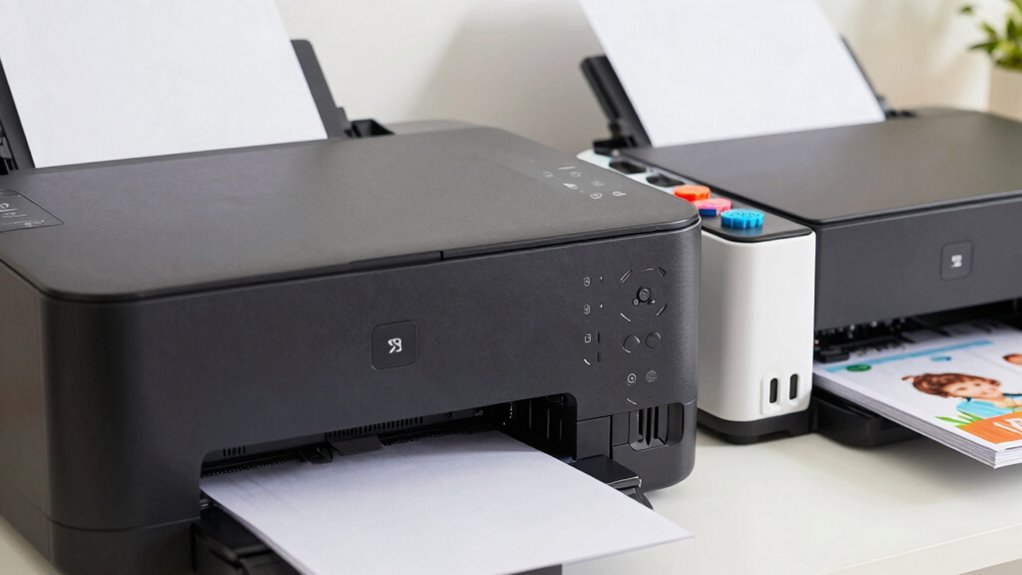
Choosing between a laser and inkjet printer depends on your family’s needs. If you mainly print photos or colorful images, an inkjet offers better quality. For fast, high-volume printing of documents, a laser is more efficient and cost-effective over time. Inkjet printers are usually smaller and cheaper upfront, while laser models are bulkier but more durable. Want to understand which suits your space, budget, and daily use? Keep exploring for simple guidance.

Turn the school run and nap time into listening time
- Thousands of audiobooks, podcasts and originals
- Listen on your phone, tablet or Echo — also offline
- Cancel anytime
Key Takeaways
- Inkjet printers excel in photo quality and color accuracy, ideal for printing family photos and colorful projects.
- Laser printers offer faster printing speeds and lower per-page costs, suitable for high-volume document printing.
- Inkjet models are more compact and affordable initially, fitting smaller spaces and tight budgets.
- Laser printers are larger, more durable, and require less maintenance, making them better for frequent, heavy use.
- Choose based on your primary needs: photos and color accuracy favor inkjet; speed and volume favor laser.
As an affiliate, we earn on qualifying purchases.
Which Printer Is Right for Your Family’s Needs?
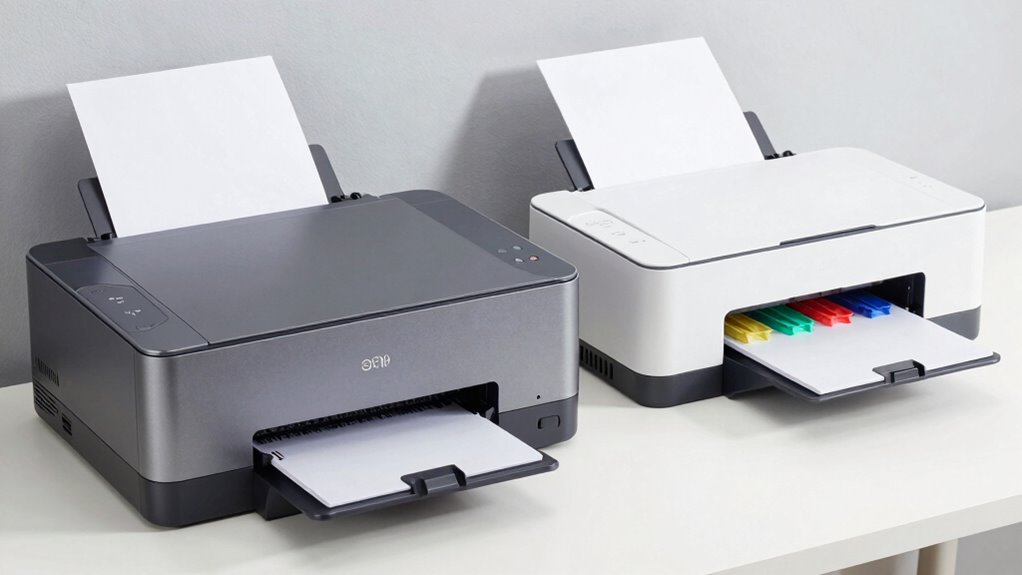
Choosing the right printer for your family depends on how you plan to use it. If wireless connectivity is a priority, look for models that easily connect via Wi-Fi, allowing everyone to print from tablets or smartphones without hassle. Consider how much paper handling you’ll need; if your family prints frequently or in large volumes, choose a printer with a high-capacity paper tray and duplex printing features to save time and reduce refills. For casual printing, a compact printer with basic paper handling and wireless options may suffice. Think about whether you’ll need to print photos, documents, or both, but focus first on wireless connectivity and paper handling to guarantee the printer fits seamlessly into your daily routine. Additionally, understanding the differences between laser and inkjet technology can help you select a printer that aligns with your content needs, especially considering the color accuracy required for photo printing. Keep in mind that some models incorporate solar-powered features, which can contribute to energy savings and eco-friendliness in your household. Exploring energy-efficient options can further help reduce your household’s environmental impact.
Furthermore, some printers offer advanced paper handling options that are useful for specialized printing tasks or larger projects.
Is a Laser or Inkjet Better for Printing Photos and Color Documents?

When deciding between a laser or inkjet printer for photos and color documents, it’s important to contemplate the strengths of each technology. Inkjet printers typically excel in photo quality and color accuracy, producing vibrant images with smooth gradients. Laser printers, on the other hand, are better for sharp text and fast printing, but may lack the fine detail needed for high-quality photos. Consider these points:
- Inkjet printers generally offer superior photo quality and color accuracy, making them ideal for printing family pictures.
- Laser printers are faster and more cost-effective for large volumes of color documents that don’t require intricate detail.
- If you prioritize vibrant, high-resolution photos, an inkjet is usually the better choice. For everyday color documents, laser printers can suffice.
- To achieve the best results, understanding the differences in printer technology can help you select the right device for your needs.
What Are the Costs of Laser vs. Inkjet Printers Over Time?
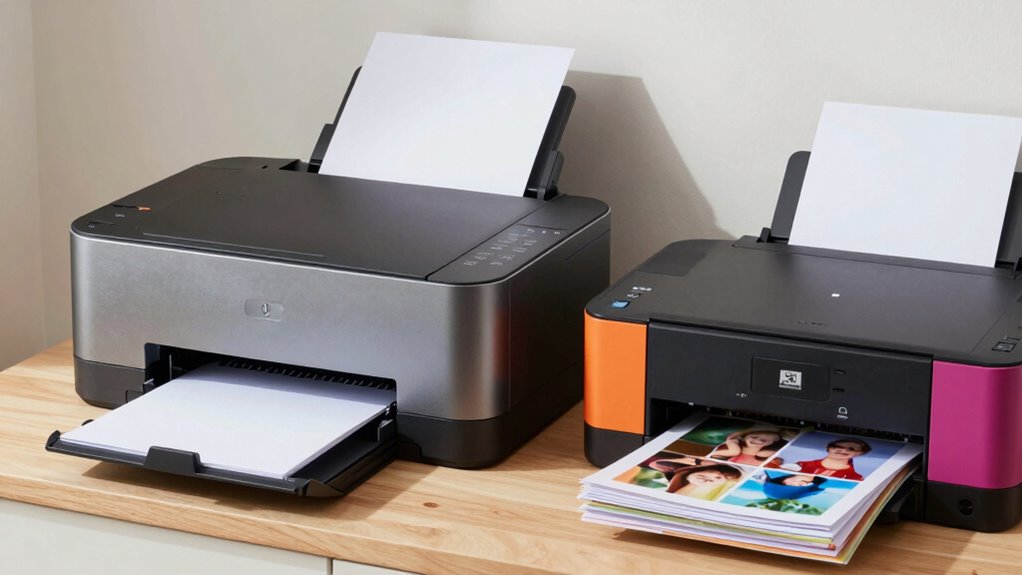
When comparing laser and inkjet printers, you’ll want to contemplate both the initial purchase price and ongoing costs. Laser printers tend to cost more upfront but often save money over time with lower per-page printing costs. Inkjet printers are usually cheaper to buy initially but can become more expensive with frequent printing due to higher ink expenses.
Initial Purchase Expenses
Have you ever wondered how the initial costs of laser and inkjet printers compare over time? Your budget considerations and brand comparisons play a big role here. Generally, inkjet printers tend to have a lower upfront price, making them attractive if you’re on a tight budget. Laser printers, however, often cost more initially but can save money in the long run. Here are some key points:
- Inkjet printers usually start around $50–$150, ideal for casual use.
- Laser printers typically cost $150–$300, better for high-volume printing.
- Brand comparisons show that budget brands may offer cheaper initial prices but might lack durability, while premium brands cost more upfront but last longer.
- Considering data storage and backup gear can help you make more informed decisions about your printing needs and future upgrades.
Understanding these costs helps you choose the right printer that fits your financial plan.
Long-Term Operating Costs
Ever wondered which type of printer costs more to operate over time? The answer depends on ink cartridge longevity and toner replacement frequency. Inkjet printers typically have shorter ink cartridge lifespans, meaning you’ll replace cartridges more often, increasing ongoing costs. Ink cartridges can run out quickly if you print frequently or in color, adding to expenses. Laser printers, on the other hand, use toner, which lasts much longer per replacement. Toner replacement frequency is lower, and the cost per page is generally cheaper over time. Although laser printers might have higher initial prices, their lower long-term operating costs make them more economical for heavy printing. So, if you print often, a laser printer could save you money down the line.
Which Printer Is Faster and More Efficient for Daily Family Use?
Choosing a printer that’s both fast and efficient is essential for busy families who need quick results without wasting time or ink. Laser printers generally excel in speed, making them ideal for high-volume printing, while inkjet printers often take longer but provide better print quality for photos and color documents. To determine which suits your daily needs, consider these factors:
- Speed of printing for large documents or multiple pages
- Paper handling capacity for frequent, high-volume tasks
- Consistency in print quality, especially for color images or photos
- Maintenance requirements that could impact long-term efficiency
Regularly maintaining your printer can also extend its lifespan and ensure optimal performance, especially for laser printers that are used extensively. Laser printers typically offer faster print speeds and better paper handling, making them more efficient for daily family use. Inkjet printers may lag in speed but excel in producing vibrant images, which can be essential for creative projects. Additionally, understanding the cost of ink or toner over time helps families choose a device that balances upfront costs with ongoing expenses, and considering print technology can further inform your decision based on your specific needs.
Furthermore, evaluating the energy consumption of your printer can contribute to long-term savings and environmental considerations.
How Much Space Do Laser and Inkjet Printers Need at Home?

Laser and inkjet printers vary considerably in the amount of space they require at home, so evaluating your available area is crucial before making a purchase. Printer size influences how comfortably you can fit the device into your workspace, affecting your storage space options. Larger laser printers often need more room, especially for operation and maintenance, whereas compact inkjet models fit easily on desks or shelves. Here’s a quick comparison:
| Printer Type | Typical Size | Storage Space Needed |
|---|---|---|
| Laser | Larger, bulkier | More room for operation and supplies |
| Inkjet | Smaller, compact | Less space required |
| Both | Varies by model | Consider your available space before choosing |
Knowing your space limitations helps ensure your printer fits seamlessly into your home setup. Considering herbal wellness and maintaining a clutter-free environment can also contribute to a more productive workspace. Additionally, understanding the different printer types and their space requirements can help you select the most suitable model for your needs. Proper space planning is essential to optimize your home office or family area, especially when integrating technology like printers. Being aware of printer dimensions can prevent purchasing a device that won’t fit comfortably in your designated space. Furthermore, researching compact models can lead you to options specifically designed for smaller spaces without sacrificing performance.
Are Laser or Inkjet Printers Easier for Families to Use and Maintain?

When deciding between laser and inkjet printers for your family, ease of use and maintenance are key factors to contemplate. Laser printers generally require less maintenance, making them more family-friendly. They’re easier to operate with fewer print quality issues over time. To keep your printer running smoothly, consider these maintenance tips:
Laser printers are more family-friendly, requiring less maintenance and fewer print quality issues over time.
- Regularly clean the printer heads or drums to prevent clogs.
- Keep the paper tray free of dust and debris.
- Use quality paper to maintain consistent print quality.
- Durability of laser printers often means fewer breakdowns and repairs, saving time and money. Laser printers often need less frequent refilling of toner and are more durable for high-volume printing. Inkjet printers may require more frequent ink cartridge replacements but can produce better color print quality. Overall, laser printers tend to be easier for families to maintain, especially considering their trusted reputation in the market.
How to Choose the Best Printer for Your Family’s Budget and Printing Needs

Selecting the right printer for your family involves balancing your budget with your everyday printing needs. First, consider print quality; if you mainly print school reports or photos, a printer with high resolution is essential. For casual documents, a basic model will suffice. Next, evaluate paper handling—if your family prints on different paper types or frequently, choose a printer with versatile paper capacity and easy loading features. Think about costs too: laser printers often have higher upfront prices but lower per-page costs, making them economical long-term. Inkjet printers are cheaper initially but may require more frequent ink replacements. Matching these factors to your typical use will help you find a printer that fits your budget and meets your family’s printing demands efficiently. Additionally, outdoor cooling fans can be a helpful reference for understanding how to optimize equipment performance in different environments.
Frequently Asked Questions
How Often Should I Replace Ink or Toner in My Family Printer?
You should replace your ink cartridge when it’s about 10-15% full or when you notice fading prints. The ink cartridge lifespan varies, but generally, it lasts for several hundred pages. For laser printers, toner replacement frequency depends on your usage, often every 2,000 to 6,000 pages. Regularly check your printer’s alerts, and keep an eye on print quality to know when it’s time for a replacement.
What Safety Features Should I Look for in a Family Printer?
When choosing a family printer, look for safety features like a child-proof design, which prevents accidental access to moving parts or ink cartridges. An automatic shutoff is also essential, as it turns the printer off when not in use, reducing risks and saving energy. These features help safeguard your children and ensure safe, hassle-free printing at home.
Can I Use Third-Party Ink or Toner Cartridges Safely?
You can use compatible third-party ink or toner cartridges, but be aware that they may affect your printer’s cartridge warranties. Always choose reputable brands to minimize risks like leaks or poor print quality. Keep in mind, some manufacturers might void your warranty if you use non-original cartridges. To avoid issues, check your printer’s warranty policy and consider the reliability of the compatible third-party options before making a switch.
How Do I Connect My Printer Wirelessly to Multiple Devices?
Think of your printer as a central hub connecting all your devices like a web of friends. To set up wireless, activate Wi-Fi on your printer, then navigate to its wireless setup menu. Use your smartphone or computer to connect to the same Wi-Fi network, ensuring device compatibility. Follow prompts, install necessary drivers, and you’ll seamlessly print from multiple devices, turning your printer into a shared digital playground.
Are There Environmental Considerations When Choosing a Laser or Inkjet Printer?
When choosing between a laser or inkjet printer, consider environmental factors like energy consumption and recycling programs. Laser printers typically use more energy but last longer and produce fewer waste cartridges, which can be recycled. Inkjet printers often consume less power but generate more cartridge waste. You can help reduce your environmental impact by participating in recycling programs and selecting a model with eco-friendly features to minimize waste and energy use.
Conclusion
Choosing the right printer depends on your family’s specific needs, whether it’s cost, speed, or photo quality. Remember, a penny saved is a penny earned—so weigh your options carefully. By understanding the differences between laser and inkjet printers, you’ll make a smarter choice that fits your budget and lifestyle. Ultimately, the best printer is the one that simplifies your life and keeps your family connected and productive.
Fall Picks
fall essentials
As an affiliate, we earn on qualifying purchases.